Create, customise, and track QR codes with powerful analytics. Perfect for marketing campaigns, events, and business growth.
Powerful features to create and manage QR codes
Generate QR codes in seconds for websites, contact info, WiFi, and more.
See how many times your QR codes are scanned. No device, location, or personal data is collected.
Apply colours, logos, and styles to align with your brand identity.
Change QR code destinations anytime without reprinting. Perfect for campaigns.
Works seamlessly on any device. Scan, create, and manage QR codes from your phone, tablet, or desktop.
Create encrypted contact QR codes that deliver a downloadable .vcf when scanned — ideal for business cards and contact sharing.
Learn more →Sign up and create your first QR code in seconds.
Design your QR code to match your brand or style.
Download, print, or share your QR code anywhere you need.
See usage statistics for every QR code you share.
Engineered for real-world use — here's how our customers use Code Link.
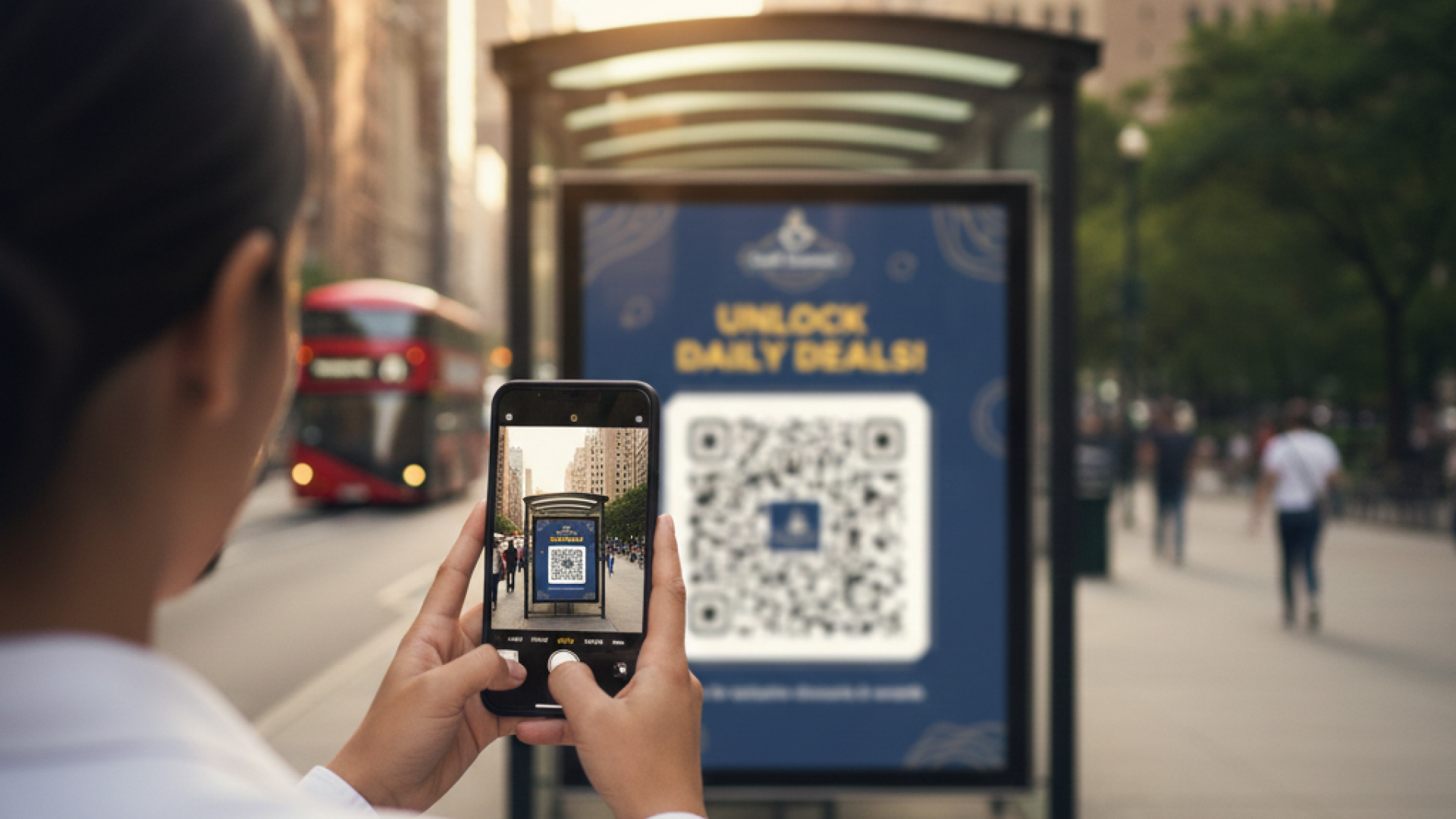
Track engagement from posters, billboards and flyers with detailed scan analytics and compare campaign performance.
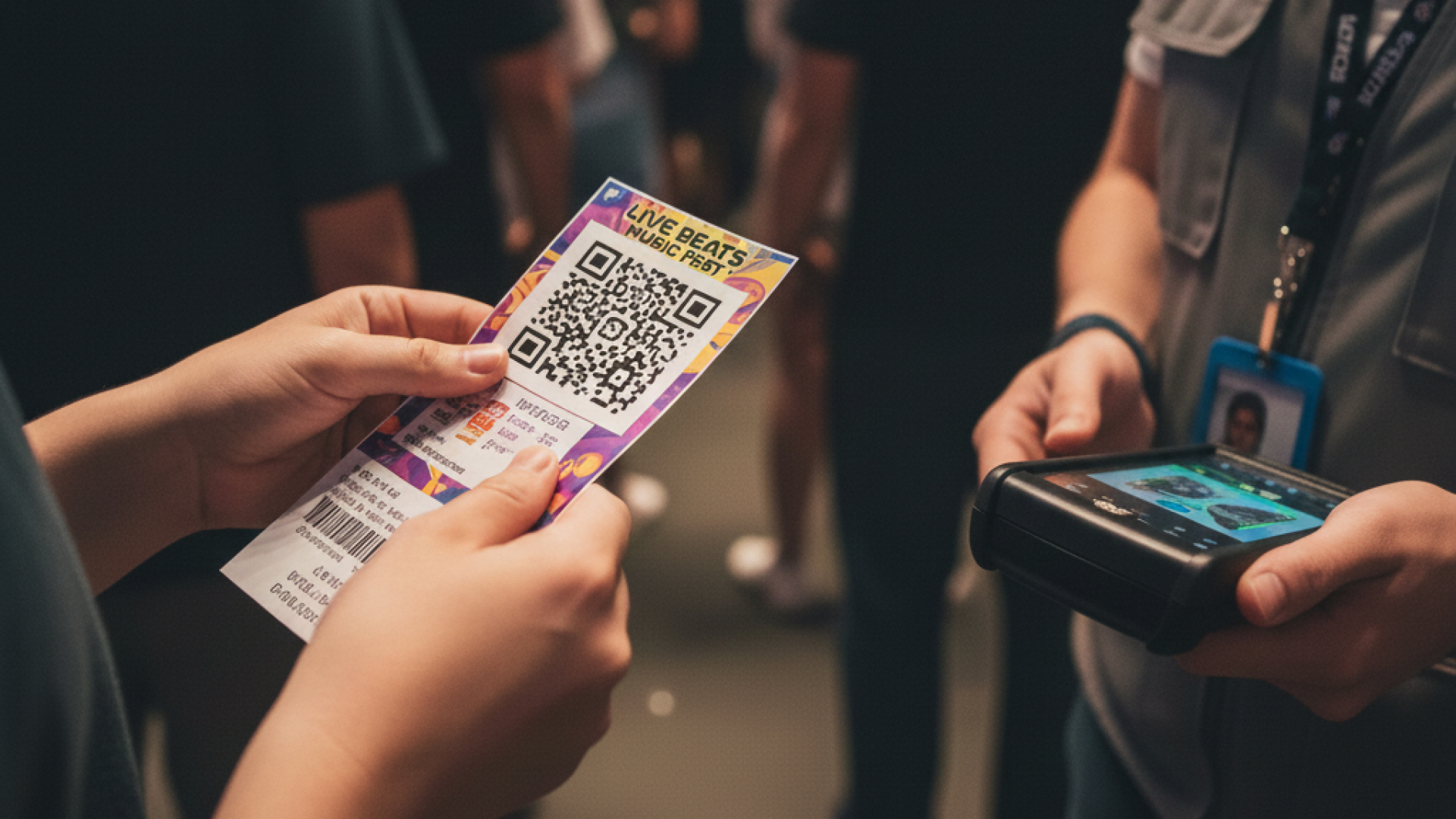
Use dynamic QR codes for event check-ins, ticket validation and session landing pages — no manual scanning required.
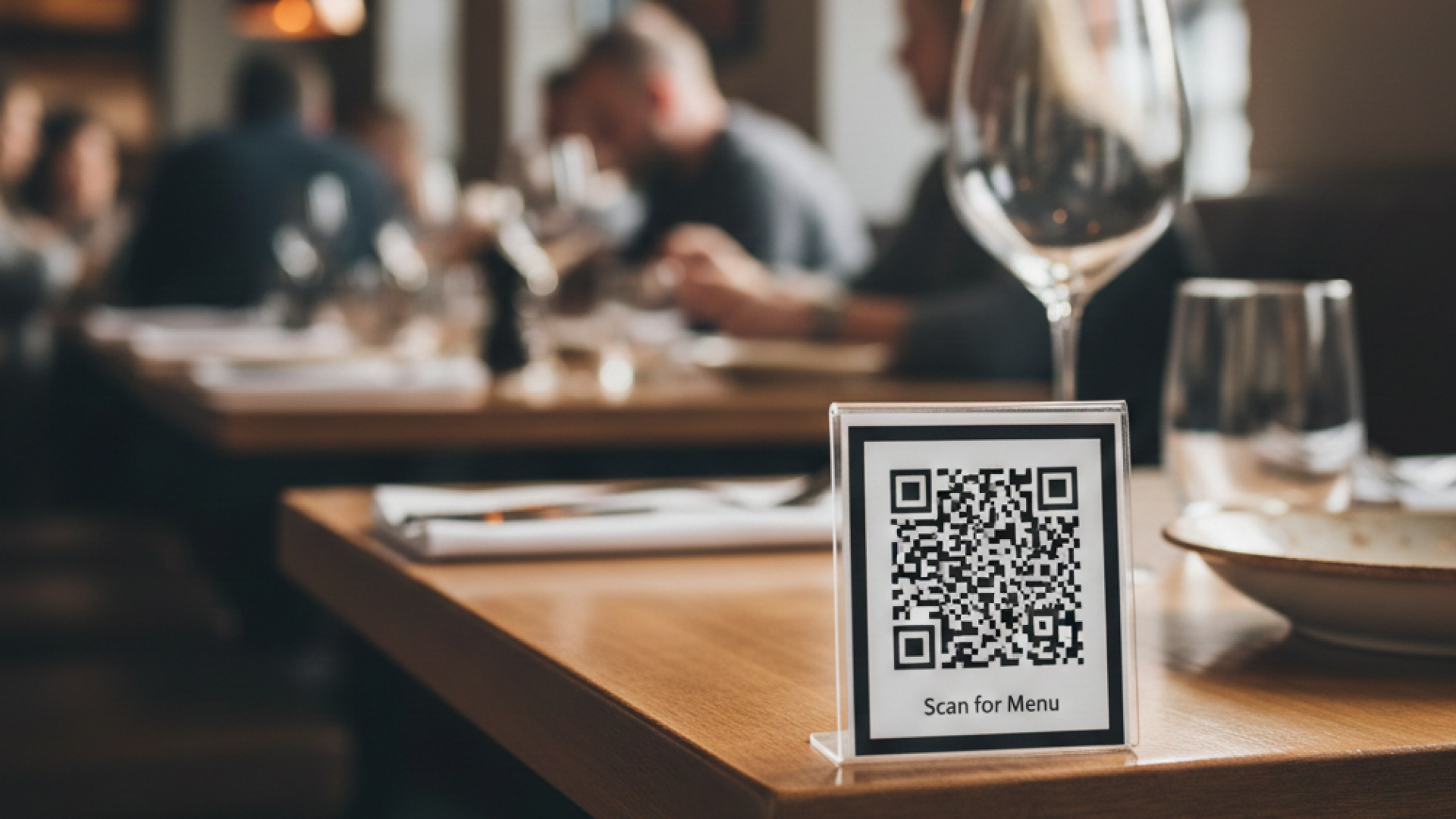
Contactless menus and ordering flows that reduce friction and speed up customer transactions.
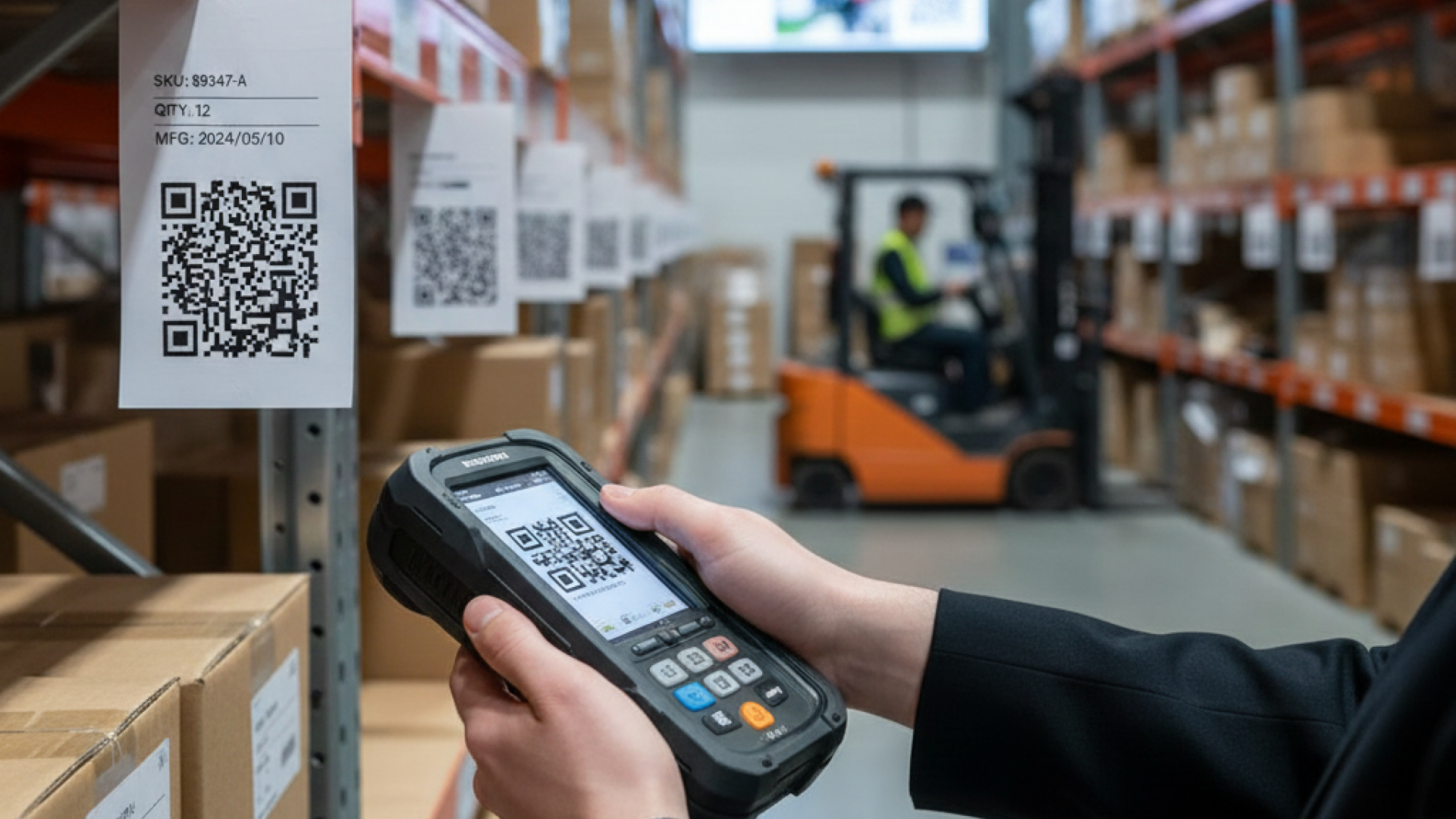
Generate batch QR labels for products and inventory — perfect for warehouses and retail.
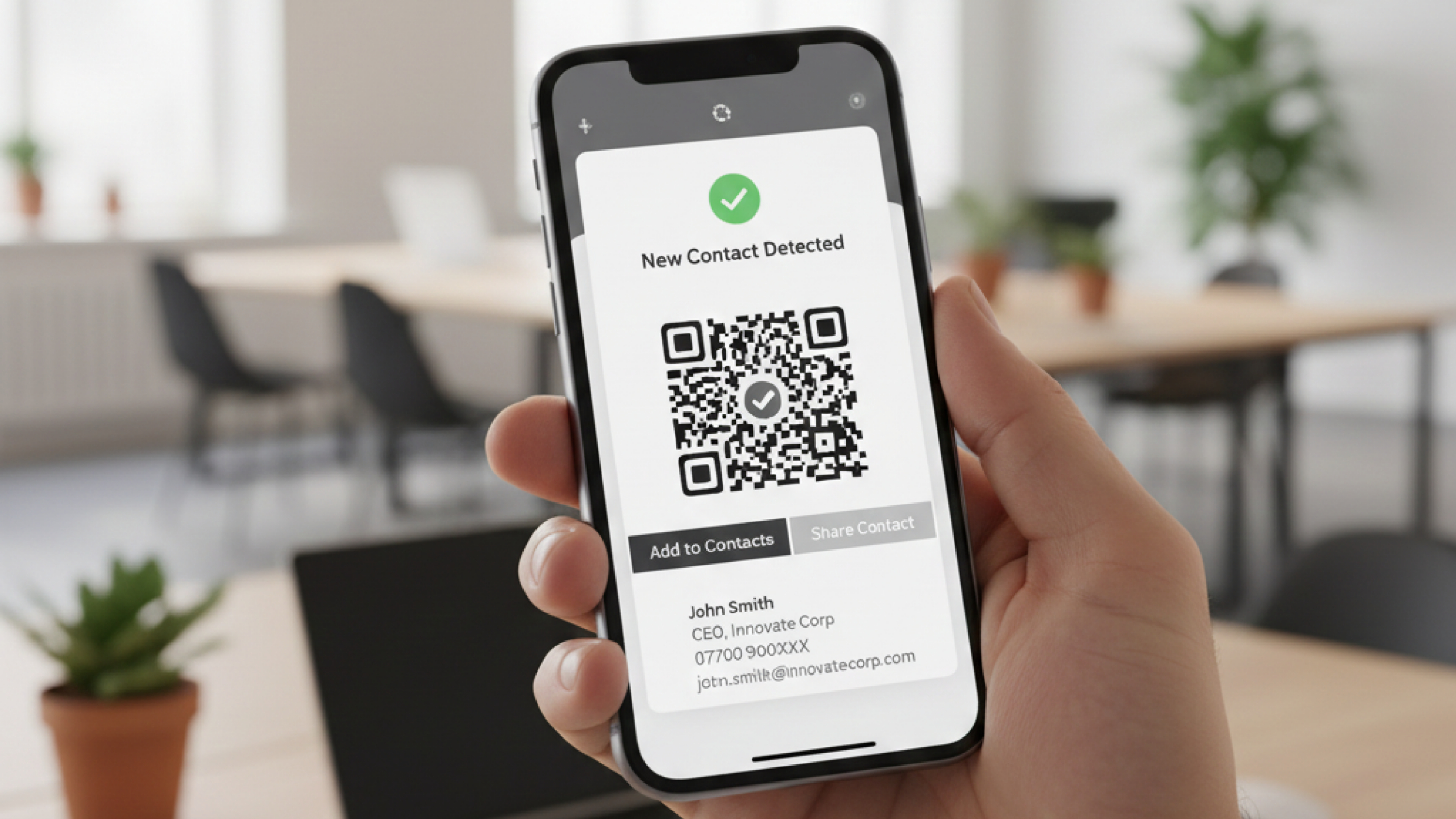
Make it easy for customers to add contacts or launch a call with a single scan.
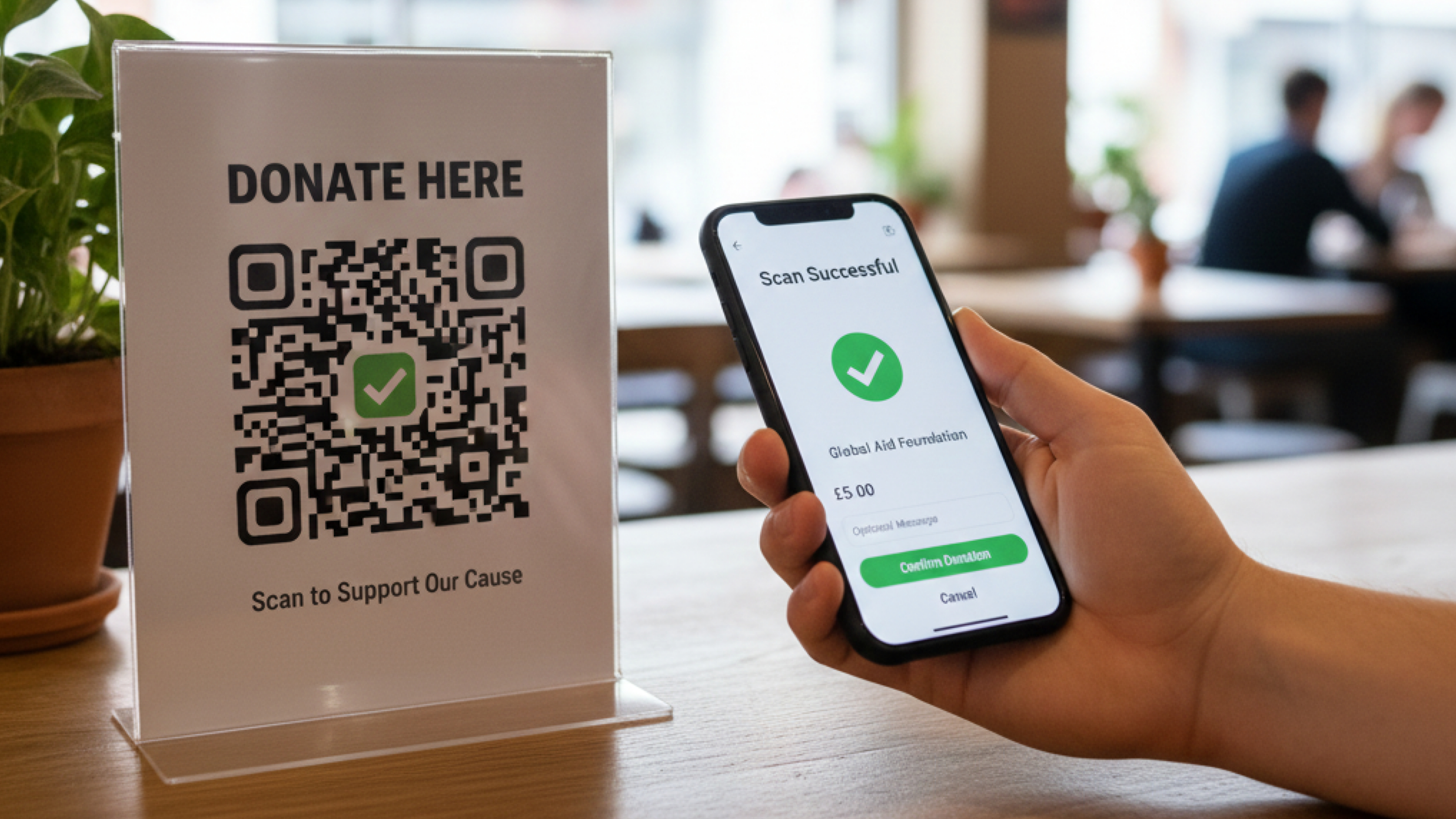
Use QR codes to collect payments or donations via Stripe and other payment providers.
From small local businesses to large enterprises — Code Link helps teams connect with customers.
Code Link made it easy to run a campaign across 30 locations. Scan analytics helped us optimise placements.
— Jamie R., Marketing Lead
The ability to update QR destinations without reprinting saved us time and money during our product launch.
— Priya S., Product Manager
Our restaurants moved to contactless menus in a weekend — and orders are faster than ever.
— Marco T., Operations
Common questions about templates, printing, and usage.
We support high-resolution PNG and SVG exports suitable for digital use and printing. SVGs preserve vector artwork and scale cleanly; PNGs are high-resolution raster images ready for printing.
SVGs can be edited in design software to add bleed or crop marks when required. For straightforward printing, PNG exports provide high-resolution raster images. If you need help preparing files for a print shop, we can guide you through recommended settings.
Yes — you can upload your logo and apply brand colours when creating or editing a QR code or design in your dashboard.
Yes. QR codes generated with Code Link may be used for commercial, promotional, or business purposes — provided such use complies with our Terms of Service and Acceptable Use Policy.
vCard QR codes store encrypted contact details and encode a tracked redirect. Previews do not include raw contact data; when the QR is scanned the vCard file (.vcf) is served to the device and the scan is recorded (only code and timestamp are logged).
Join businesses and teams already using Code Link for their QR code management.
Start Your Free Trial